
Maintenance status
Releases and security fixes continue to ship. Check our guides and official release notes when you run into trouble.
GitHub ReleasesThe official Clash Verge website
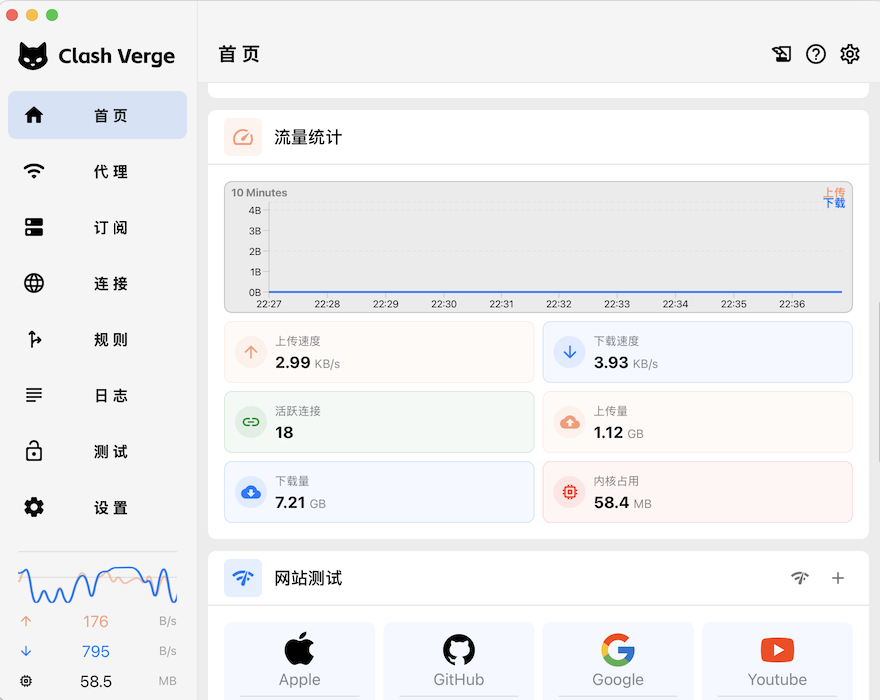
Clash Verge is a modern proxy client for Windows, macOS and Linux. A focused interface, dependable core and transparent maintenance make every connection easier to understand. Versions checked 2026-10-03: Clash Verge Rev v2.5.6.
Official releases checked 2026-10-03: Clash Verge Rev 2.5.7. Existing mirror files may be older; check the downloaded package version.
DOWNLOAD
Choose your operating system and processor. We will point you to the official release page.
TRUST & TRANSPARENCY
Public sources, transparent status and clear boundaries.
Releases and security fixes continue to ship. Check our guides and official release notes when you run into trouble.
GitHub ReleasesDownloads on this site point only to the official Clash Verge GitHub releases. We do not redistribute repackaged builds or sell licenses.
GitHub RepositorySource, releases and issue tracking are public, so important changes stay auditable.
Issue trackerKNOWLEDGE BASE
Clear steps for installation, subscriptions, rules, troubleshooting and privacy—without the wall of jargon.
Product notes, practical tips and networking fundamentals in one calm place.
clashverge-hl.com · practical reference
Find the next step by platform, architecture, configuration, or symptom.
A task-based Clash Verge Rev resource center from clashverge-hl.com: release verification, platform choice, first run, configuration, and troubleshooting.
Continue reading
Continue reading